12 Free Windows Apps Worth Installing
A fresh Windows install leaves a lot out: a media player that plays everything, a screen recorder, a way to get back a file you just deleted. Free tools cover most of it, and these are the twelve apps I would put on a Windows PC.
Some of them overlap with things Windows 11 now does on its own, and a few have limits that the free price hides. I checked each app against the developer’s own pages and recent news, so every section below says what the app does well and where it falls short.
KEY TAKEAWAYS
- Every app here has a free version, but the terms differ. AnyDesk is free for personal use only, and DaVinci Resolve’s free version limits output to Ultra HD.
- Download each app from its official site. A fake or bundled installer is the main risk with free software.
- Windows 11 can now open RAR and 7z files and has tabs in Notepad, so 7-Zip and Notepad++ matter most if you want more than the basics.
- Recuva is worth trying after a deletion, but on an SSD the files are often already gone.
IN THIS GUIDE
- AnyDesk: remote access
- Recuva: recover deleted files
- 7-Zip: archives and compression
- OBS Studio: recording and streaming
- VLC: plays almost anything
- Brave: a privacy-focused browser
- DaVinci Resolve: video editing
- Notepad++: a better text editor
- FxSound: better PC audio
- Free Download Manager: faster, safer downloads
- Audacity: audio recording and editing
- Flameshot: screenshots with markup
- Installing safely
- Questions people ask
Prefer to watch? Here is the video, and each app below links to its moment in it.
AnyDesk: remote access
AnyDesk lets you see and control another computer over the internet. It is handy for helping a family member with a problem or reaching your own PC while you travel. Both computers run the app, the person being helped shares an address and approves the connection, and the session starts.
The free version is for personal use only. Using it for work or IT support can get the connection flagged and push you toward a paid plan. AnyDesk also reported in February 2024 that attackers had compromised its production systems. It said it found no evidence that users’ devices were affected, and it revoked certificates and reset passwords, so keep the app updated.
REMOTE ACCESS TOOLS AND SCAMS
Phone scammers love remote access apps. Never give your AnyDesk address or approve a connection for someone who called you, even if they say they are from your bank or Microsoft.
Download it from anydesk.com and uninstall it when you do not need it.
Watch this app in the video (0:09)
Recuva: recover deleted files
Recuva comes from the makers of CCleaner and scans hard drives, USB sticks and memory cards for files you deleted. A Deep Scan digs further on damaged or formatted drives, and each file shows a color-coded condition so you can see how likely it is to come back.
The catch is SSDs. When you delete a file on a modern Windows PC, Windows usually tells the SSD that the space is free (this is called TRIM), and the drive then erases it. Recuva cannot see that, so it may still rate a file as excellent and give you a file full of nothing. On a hard drive, USB stick or memory card your chances are much better.
IF YOU JUST DELETED SOMETHING
Stop using the drive straight away. Run Recuva from a different drive, recover to a different drive, and open the recovered files to check they actually work. Watch for optional offers in the installer and untick them.
The official page is ccleaner.com/recuva.
Watch this app in the video (0:58)
7-Zip: archives and compression
7-Zip is a free, open source archiver that adds itself to the right-click menu, so zipping and unzipping take two clicks. Its own .7z format usually compresses better than a normal .zip, and it can password-protect an archive with AES-256 encryption.
Windows 11 can now open RAR, 7z and TAR files by itself, so you no longer need 7-Zip just to extract them. It cannot open password-protected archives, though, so 7-Zip still matters if you create archives, use passwords, or want more control over the compression.
Security researchers found a flaw in 7-Zip 26.00 and earlier versions in April 2026, and later releases fixed it. Always install the newest build from 7-zip.org.
Watch this app in the video (1:43)
OBS Studio: recording and streaming
OBS Studio is a free, open source program for recording your screen or streaming live, and a lot of creators and teachers use it. You build scenes from sources such as a display, a window, a webcam or a browser overlay, and you can mix audio and apply noise suppression. It can send a stream straight to Twitch or YouTube.
There are no time limits and no watermarks. What it does have is a learning curve, because there are a lot of settings. On the first launch, the auto-configuration wizard picks sensible recording settings for your PC, which is a good place to start. Download it from obsproject.com.
Watch this app in the video (2:30)
VLC: plays almost anything
VLC is a free media player that plays nearly any video or audio file without extra codec packs, which are where a lot of risky downloads come from. It can also play damaged or partly downloaded files, line up subtitles that are out of sync, convert files, and play network streams. It shows no ads.
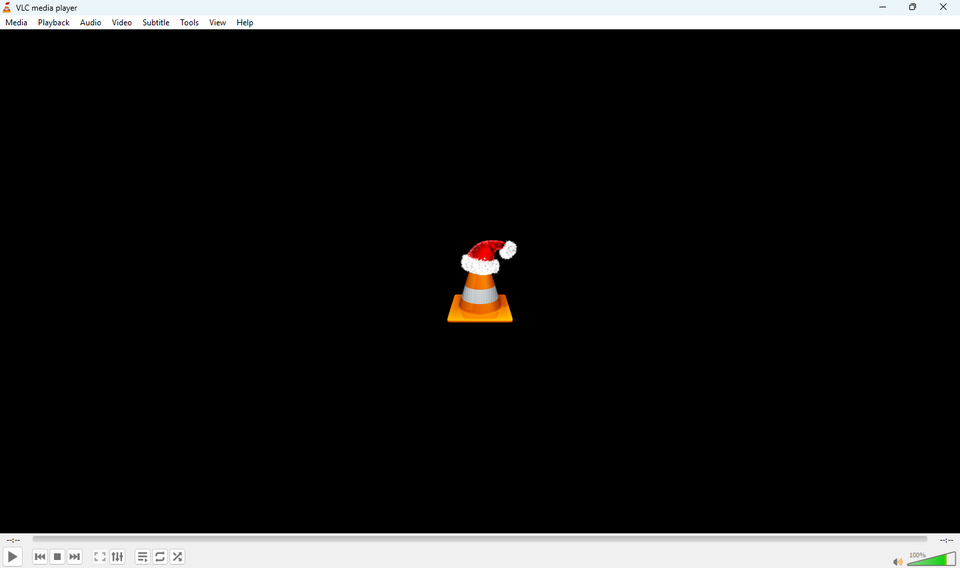
Windows 11 has its own media player, but VLC is still the one to reach for when a file refuses to play. Get it from videolan.org.
Watch this app in the video (3:15)
Brave: a privacy-focused browser
Brave is built on Chromium, the same base as Chrome, so Chrome Web Store extensions and your bookmarks carry over. Its Shields feature blocks ads and trackers by default, and Brave says it also blocks fingerprinting and autoplay videos. Pages with a lot of ads often load faster and use less memory, because there is less to download.
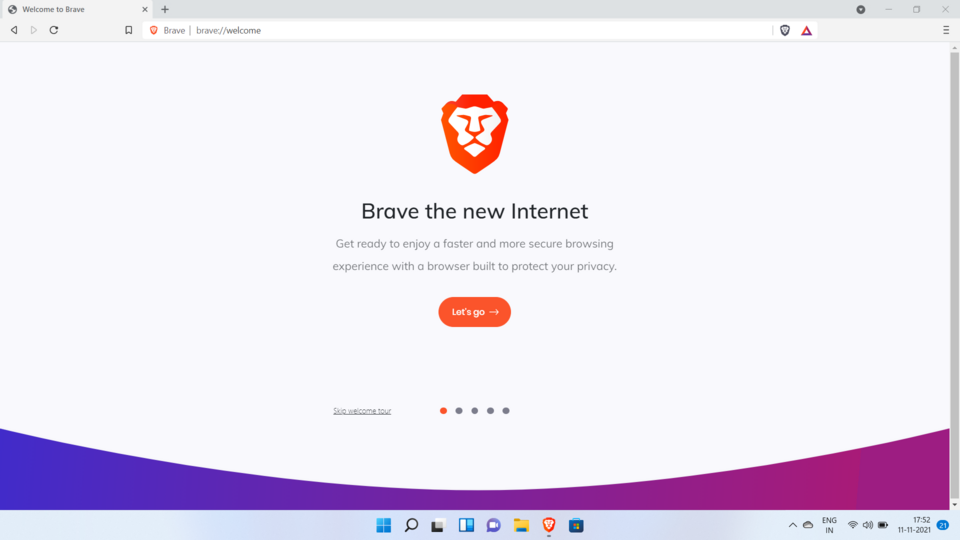
Brave’s “up to three times faster” claim is marketing. Independent comparisons find a much smaller difference, and almost none on pages without ads. The browser also ships with extras such as Brave Rewards, a crypto wallet, an AI assistant and VPN offers. They are optional and can be turned off in settings. Brave has also been criticized in the past, including for installing its VPN services on Windows without asking (the company said they stay off unless you pay).
Download it from brave.com.
Watch this app in the video (4:03)
DaVinci Resolve: video editing
DaVinci Resolve is a full video editor with color grading, Fusion effects and Fairlight audio tools. The free version does not put a watermark on your exports, which sets it apart from many free editors.
The free version has limits. According to Blackmagic, it caps output at Ultra HD, uses only one GPU, and leaves several effects and AI tools to the paid Studio version. If you use a Studio-only tool in the free version, a watermark can appear in the viewer. It also needs a capable PC: Blackmagic lists 16 GB of RAM (32 GB if you use Fusion) and a graphics card with at least 4 GB of video memory. The download is large and there is a lot to learn.
It is a good fit for YouTube videos and many bigger projects, and a poor fit for an older laptop. Version 21 came out in June 2026. Get it from blackmagicdesign.com.
Watch this app in the video (4:44)
Notepad++: a better text editor
Notepad++ is a lightweight editor for code and other plain text. It highlights syntax for dozens of programming languages, keeps lots of files open in tabs, searches and replaces across many files, and supports plugins, themes and macros.
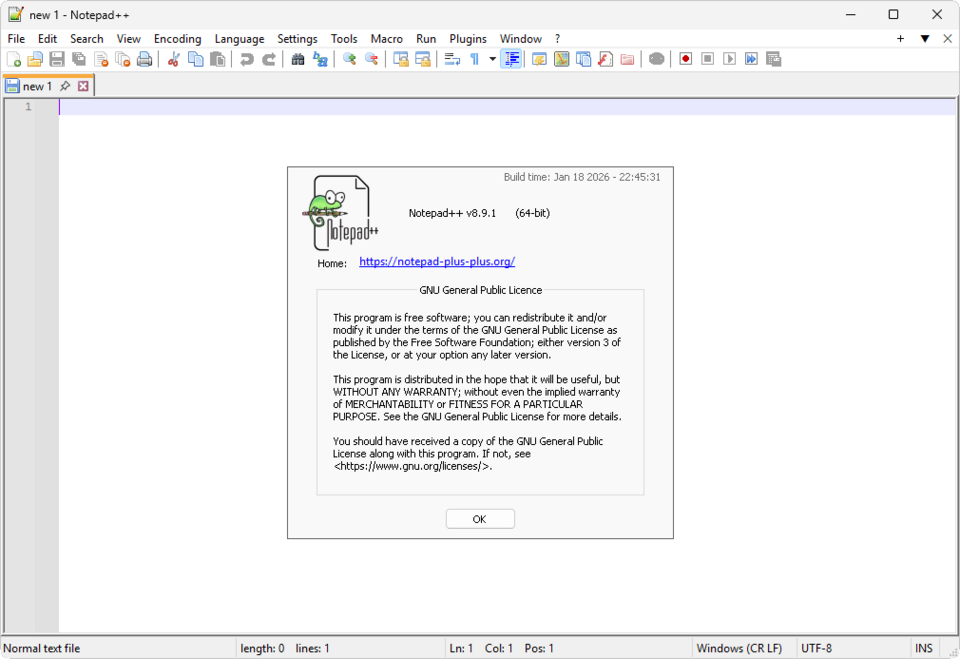
Windows 11’s own Notepad now has tabs, so for quick notes you may not need anything else. Notepad++ is for people who edit code, config files, logs or web pages. Download it from notepad-plus-plus.org.
Watch this app in the video (5:25)
FxSound: better PC audio
FxSound is a free audio enhancer for Windows. It processes the sound from your whole PC and gives you a volume boost, more bass, an equalizer and presets for music, movies, gaming and voice. It became open source under the GPL 3 license in 2023.
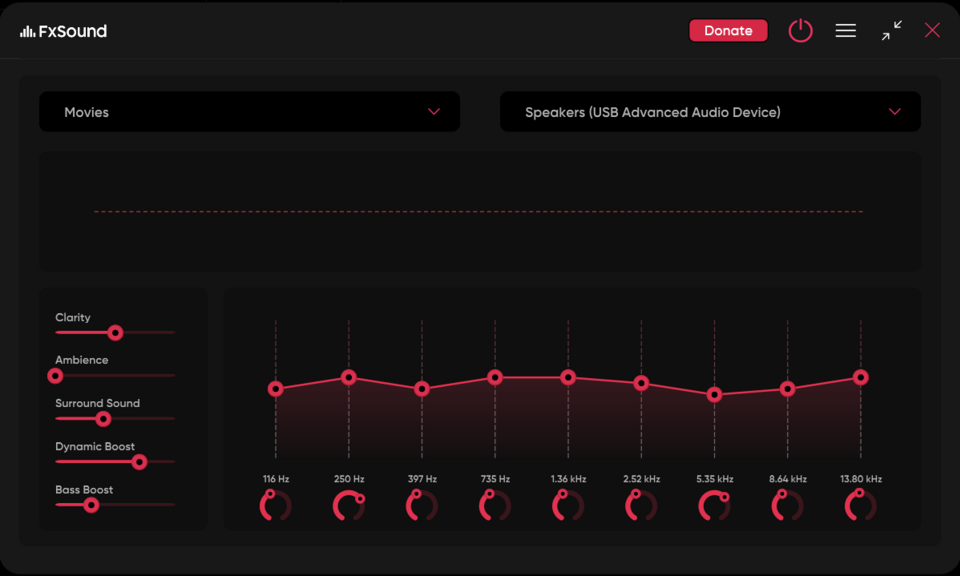
It can make small laptop speakers and basic headphones sound fuller, but it cannot turn bad speakers into good ones, and some people prefer the untouched sound. Try it with the effect on and off. Get it from fxsound.com.
Watch this app in the video (6:09)
Free Download Manager: faster, safer downloads
Free Download Manager, or FDM, splits big files into pieces and downloads them at the same time. It handles HTTP, HTTPS, FTP and BitTorrent links in one place, lets you pause and resume, schedule downloads for later, limit the bandwidth and preview audio and video before the download ends.
How much faster it is depends on your connection and the server. On a fast line a browser is often fine, and FDM helps most with very large files and shaky connections, where resuming matters.
DOWNLOAD IT FROM THE OFFICIAL SITE ONLY
Kaspersky reported in 2023 that, between 2020 and 2022, downloads of the Linux version of FDM from its website sometimes delivered malware. The reports describe the Linux version, not Windows. It is still a good reminder to download only from the official site, freedownloadmanager.org, and never from a look-alike address.
Watch this app in the video (6:56)
Audacity: audio recording and editing
Audacity is a free, open source multi-track audio editor. You can record, cut and arrange clips, change pitch and tempo, and apply effects such as equalization, compression and normalization. Its noise reduction tool is the feature most people use: you select a stretch of background noise, such as fan hum, and Audacity removes it from the rest of the recording.
Audacity 4 was released in September 2026 with a redesigned interface. At launch it was missing some features from version 3, including time tracks, MIDI tracks, the mixer and macros, and the 3.7 series is still getting fixes. If you rely on one of those features, check before you switch. After the new owners proposed telemetry in 2021, the project said update checks and error reporting could be switched off in the settings. Download it from audacityteam.org.
Watch this app in the video (7:32)
Flameshot: screenshots with markup
Flameshot is a free, open source screenshot tool. After you press its hotkey, you drag over the area you want and mark it up on the spot with arrows, highlights, text, numbered steps and blur or pixelate for sensitive details. Then you copy the image, save it or upload it.
The Snipping Tool in Windows 11 has been gaining markup features, but Flameshot is built around fast annotation. The upload button sends the picture to an online service, so skip it for anything private. Install it from flameshot.org, where the Windows page also lists winget and other package managers.
Installing safely
Free software is where most unwanted extras come from, so a few habits help. Type the app’s name and open the developer’s own site, not a download portal, and skip pages that offer cracked or “full version” copies. During setup, read each screen and untick optional offers. Keep the apps updated, and uninstall the ones you stop using.
Many of these apps are also available through winget, which updates them from one place. I cover the basics in the guide to nine built-in Windows commands.
Questions people ask
Are these apps really free?
Yes, each one has a free version you can use without paying. AnyDesk is free for personal use only, DaVinci Resolve’s free version has an output limit, and some apps show optional extras or offers for paid versions.
Do I need all twelve?
No. Install the ones you will use, because every extra app is one more thing to keep updated.
Can Windows 11 already do some of this?
Partly. It opens RAR, 7z and TAR files, Notepad has tabs, and the Snipping Tool keeps gaining markup tools. The apps here still add things like passwords on archives, a proper code editor and faster annotation.
Where should I download them from?
From each developer’s official site, linked in the section for that app. Avoid cracked copies and look-alike sites.
Are these apps safe?
The apps themselves are widely used, but the download source matters most. Installing from the official site and declining optional offers during setup avoids nearly all the common problems.
Will Recuva recover files from my SSD?
Often not. Windows usually tells an SSD that deleted space is free, and the drive then erases it. Stop using the drive, try Recuva from another drive, and expect better results on hard drives, USB sticks and memory cards.
Which of these are you installing? Tell me in the comments, and tell me if there is a free app you think should be on the list.